
Last updated 9 Oct 2026
Fulfilling an order tells SalesCenta the customer has their goods. It takes the items out of your stock and marks the order as complete.
1. Open the order
Go to Sales → Orders and open the order. The Paid tab shows orders that are paid and waiting to go out.
2. Fulfil it
In the Actions panel, click Fulfill Order, then Yes, fulfill order to confirm.
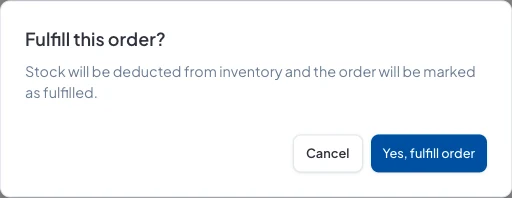
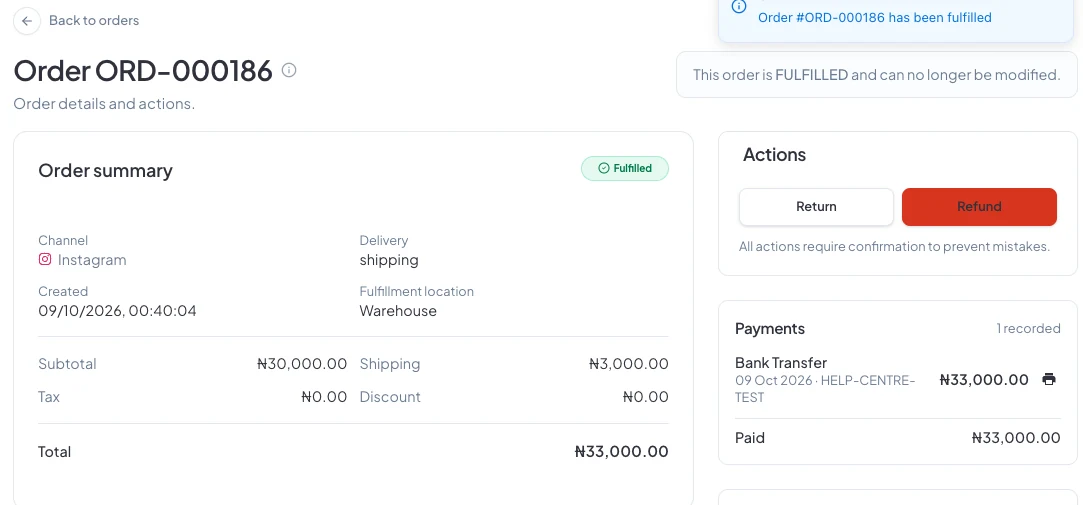
The stock comes out of the order's fulfilment location, and the order moves to Fulfilled.
Good to know
- A fulfilled order can't be edited any more. Check the items and delivery details first.
- If the customer sends something back, use Return on the order.
- To cancel an order that hasn't gone out, use Cancel & Refund in the same panel (or Cancel Order if it hasn't been paid).
Did this answer your question? Contact support if you need more help.