
Last updated 9 Oct 2026
When you first sign in, SalesCenta gives you a short checklist of the five things every store needs before it can sell. Each step takes you straight to the right page.
Open your checklist
Until setup is finished, a Complete your onboarding card shows how far you've got. Click Finish setup to open the checklist. You'll see the five tasks and which ones are done. When they're all ticked, you're ready to sell.
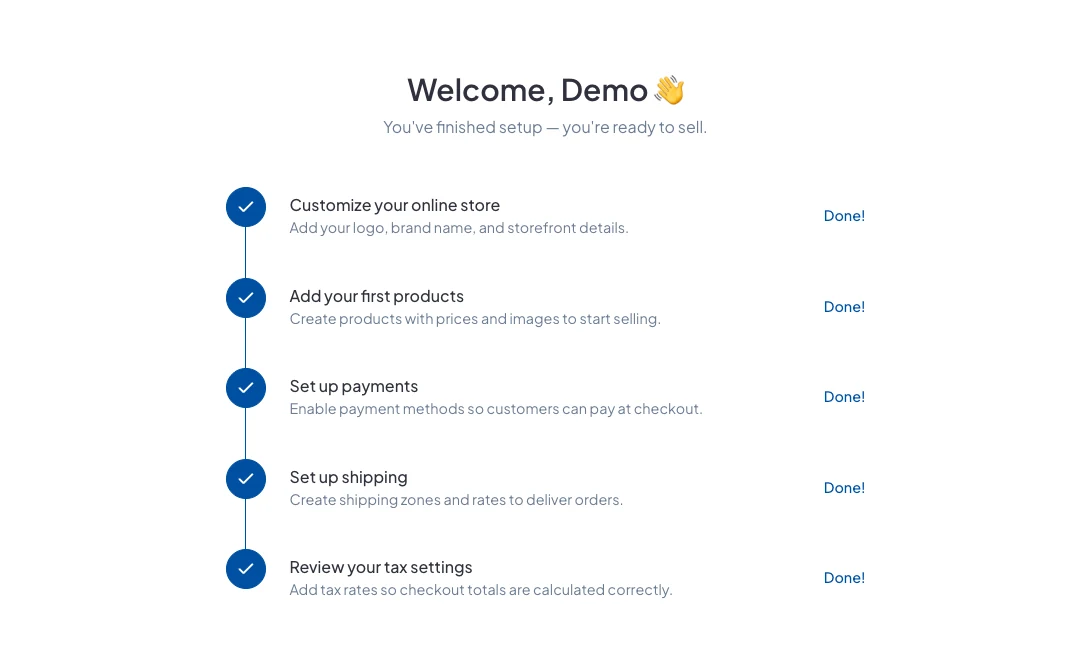
1. Customise your online store
Add your logo, brand colour and homepage. See How do I customise my online store?
2. Add your first products
Create products with prices and photos. See How do I add a product?
3. Set up payments
Choose how customers pay you: Paystack for cards and transfers, your bank details for direct transfer, or WhatsApp checkout.
4. Set up shipping
Add the delivery options customers choose from at checkout. See How do I set up delivery options and fees?
5. Review your tax settings
Add your tax rates, such as VAT, so totals are worked out correctly.
Good to know
- The checklist covers the essentials only. You can keep adding products, discounts and pages after it's done.
- You can do the steps in any order, and come back to any of them later.
Did this answer your question? Contact support if you need more help.