
Last updated 26 Oct 2026
Each sale at the till takes its stock from one location, so set the till to the shop it stands in. The products and stock counts it shows are that location's.
1. Pick the location#
On the till, open the location menu next to the search box and choose your shop.
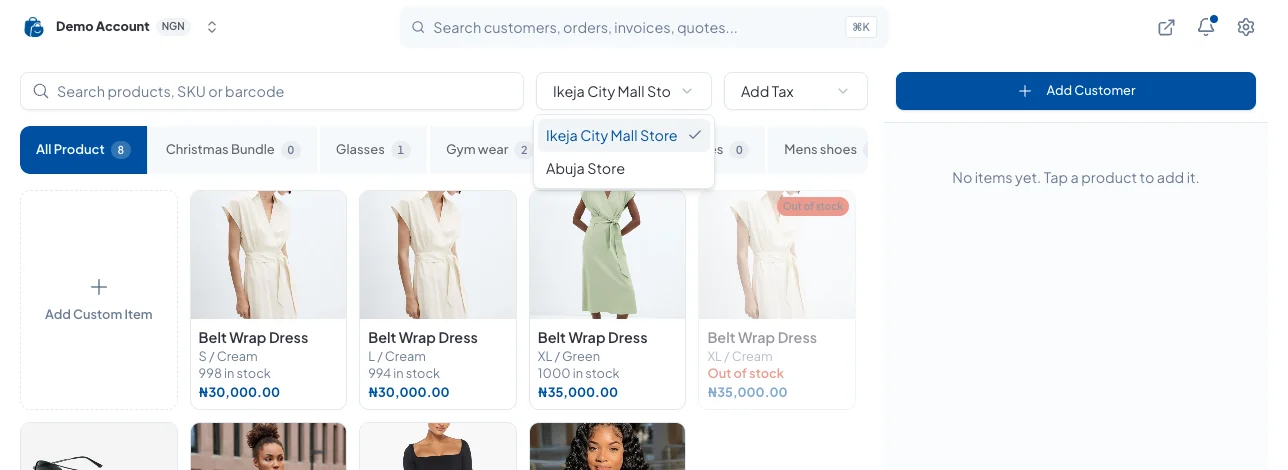
The till remembers your choice on that computer, for each store. A counter PC opens on its own shop every time.
2. Which locations are listed#
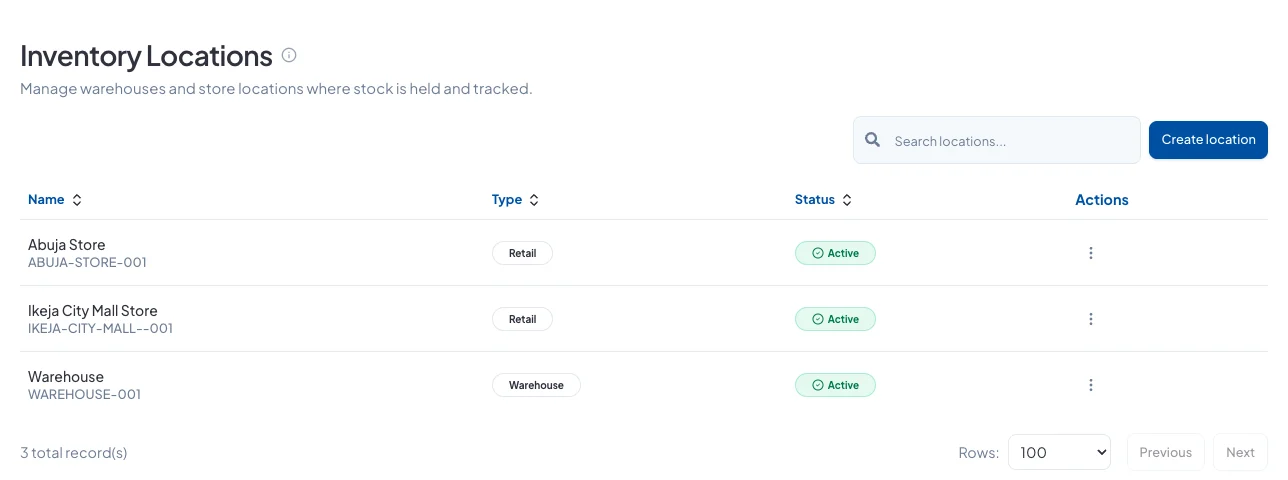
Only your Retail locations are listed: the till sells off the shop floor, not from the warehouse. If a store has no retail location, its warehouses are listed instead. Inactive locations never are.
To change a location's type, go to Store Setup → Locations, edit the location and set Type to Retail or Warehouse.
Good to know#
- Changing the location in the middle of a sale clears the items you've added, because their stock was counted at the old location.
- Products are shown with the stock at the chosen location. Something out of stock there can't be added.
Was this helpful?