
Last updated 26 Oct 2026
You can change what a customer pays at the till, either for one item or for the whole sale. Either way, it applies to that sale only, not to the product.
Change one item's price#
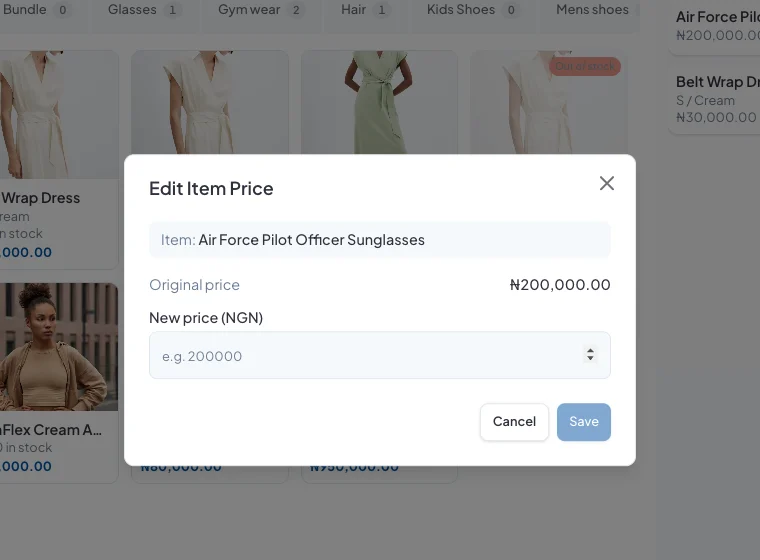
On the sale, click the pencil next to the item. Enter the New price and click Save.
Take money off the whole sale#
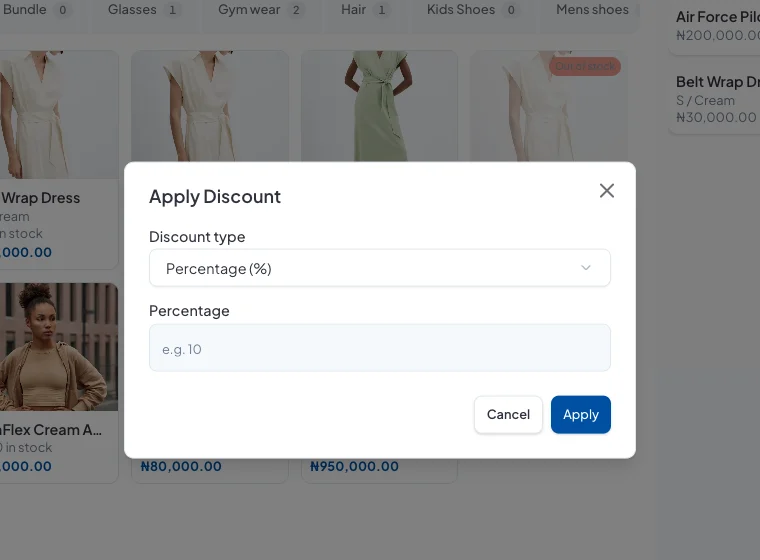
Click Discount under the sale. Choose the Discount type, Percentage (%) or a flat amount, enter it and click Apply.
The discount shows above the total. To remove it, click the × next to it.
Good to know#
- Add the items first. A percentage discount is worked out on what's in the sale when you apply it.
- Discount codes customers use online are separate. See How do I create a discount code?
Was this helpful?